
Claude skills: the ones I use every day (and how to install them)
A skill is a set of instructions Claude keeps on hand. Here is how to install one, with or without code, and the skills I actually use.
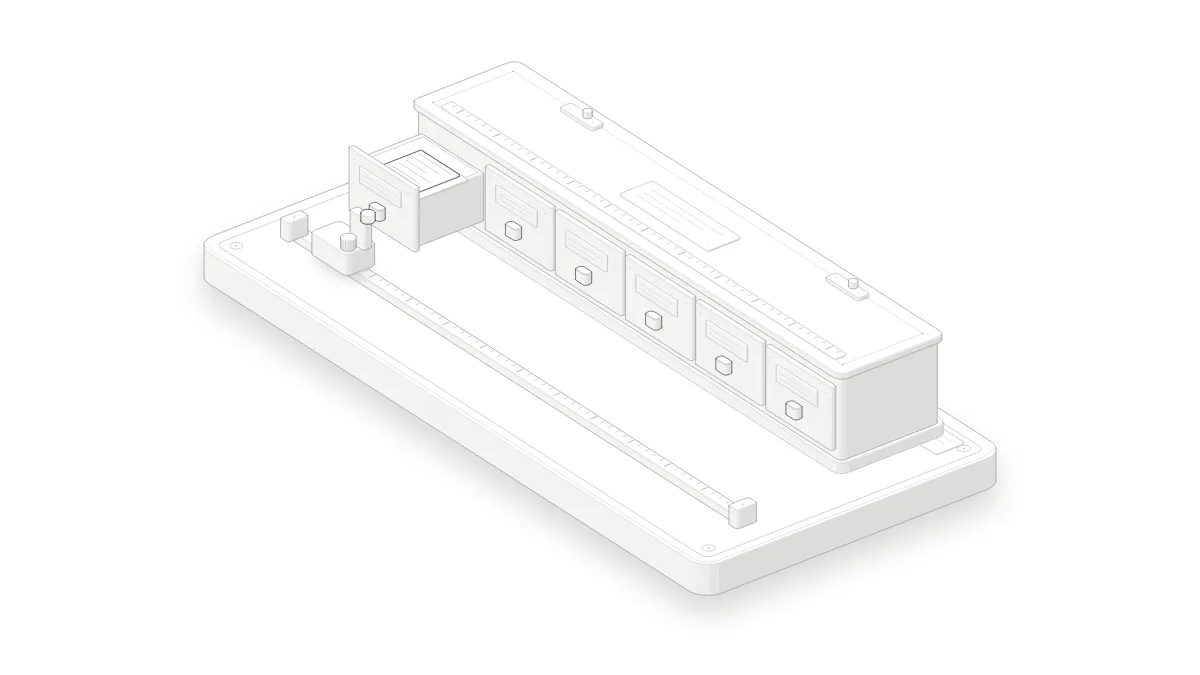
- A skill is a set of instructions Claude keeps on hand: "when I'm asked for this, here is how I do it". You don't need to code to use one or to write one.
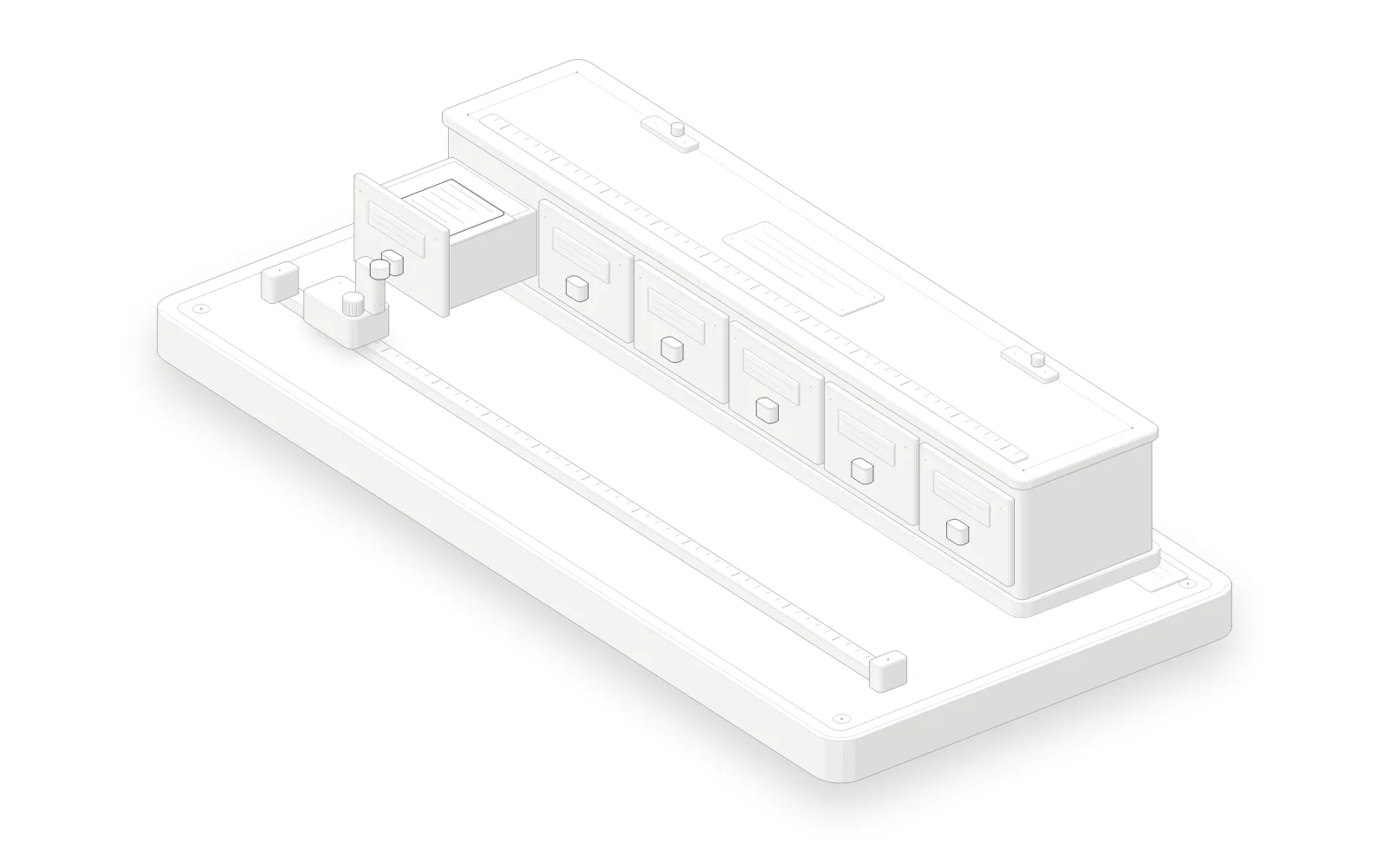
- Claude reads only each skill's name and one-line description, about 100 tokens. It opens the full skill only when your request matches, so ten installed skills don't get in its way.
- In the Claude app, you add a skill from Customize > Skills (opens in a new tab). Developers drop them in a folder for Claude Code.
Do you give Claude the same instructions in every chat: your tone, how your emails look, the steps of your work? Claude skills fix that. This guide is for everyone, whether you write emails, quotes or code. By the end you will have installed your first skill, you will know how to write one, and you will see the ones I use every day. Time: 20 minutes.
- A Claude account (claude.ai or the app). According to Claude's help center, skills are on every plan, including Free.
- "Code execution and file creation" turned on in settings: skills need it.
- For the developer part only: Claude Code installed.
- Cost: nothing on top of your Claude plan.
What is a Claude skill?
A Claude skill is a set of instructions you give Claude once. It fits in a text file named SKILL.md: a name, one sentence saying when to use it, then the steps to follow. At first Claude reads only those first two lines, and it opens the full file when your request matches that sentence.
Here is a complete skill. It is plain text: not a single line of code.
---
name: client-reminder
description: Writes a polite reminder email for an unpaid invoice. Use when asked to chase a client about a payment.
---

# Chase a client

1. Ask for the client's name, the invoice number and the amount if they are missing.
2. Write an email of 5 lines at most, friendly, with no blame.
3. Suggest a specific payment date and end with a simple sign-off.
The top two lines matter most. The name uses lowercase letters, numbers and hyphens, 64 characters at most. The description says what the skill does and when to use it: Claude compares your request against it.
What is the difference between a skill, an MCP server, a command and an agent?
A skill teaches Claude how to do a task. An MCP server connects it to a tool or to your data, such as your calendar. A command is a shortcut you type yourself. An agent is another Claude that takes on part of the work. The four often work together in a single request.
| What it is | What triggers it | Example | |
|---|---|---|---|
| Skill | Instructions for one task | Claude, when your request matches | Chase a client, proofread a text |
| MCP server | A connection to a tool or data | Claude, when it needs the tool | Read your calendar or your Notion |
| Command | A saved prompt | You, by typing /name | /review |
| Agent | Another Claude doing part of the work | Claude or you | Find sources while Claude writes |
How do I install a skill in the Claude app?
In the Claude app, first make sure code execution is on, then open Customize > Skills. There you can turn on the example skills or upload your own as a .zip file. The skill stays private to your account, and Claude then uses it on its own whenever your request matches its description.
Turn on code execution
Open Settings > Capabilities and turn on "Code execution and file creation".
Check: the toggle is on.
Zip the skill folder
Put the client-reminder folder (the one that holds SKILL.md) in a .zip file. On Windows: right-click > Compress to ZIP file. On a Mac: right-click > Compress.
Expected result: a client-reminder.zip file.
Upload the skill
Open Customize > Skills, click "+", then "Create skill" and "Upload a skill". Pick the .zip file.
Expected result: the skill shows up in the list, turned on.
Test it
In a new chat, type: "Chase Smith Ltd about invoice 2026-104 for $450."
Check: Claude says it is using the client-reminder skill and follows its three steps.
How do I write my first skill without code?
The easiest way is to ask Claude to write it with you. Describe the task you keep repeating, such as chasing unpaid invoices, and what matters to you: the tone, the length, the details to ask for. Claude drafts the SKILL.md file, you read it over, then you upload it like any other skill.
For example, type: "Help me create a skill for chasing unpaid invoices. Ask me whatever you need." Three tips for a skill that actually gets used:
- One task per skill. "Chase a client" works better than "handle my accounting".
- In the description, use the words you really type: "chase", "unpaid invoice".
- Keep it short: numbered steps and one example are enough.
How do I use skills in Claude Code?
In Claude Code, a skill is a folder in ~/.claude/skills/ for all your projects, or in .claude/skills/ for one project. Claude Code picks it up without a restart. It uses the skill when your request matches, and you can also run it yourself by typing /skill-name.
This part is for developers. Claude Code skills don't sync with the app's: you install them in both places.
Copy the skill folder
mkdir -p ~/.claude/skills && cp -r ./client-reminder ~/.claude/skills/Expected result: ~/.claude/skills/client-reminder/SKILL.md exists.
Run it
claude '/client-reminder Smith Ltd, invoice 2026-104, $450'Check: Claude says it is using the client-reminder skill.
For a skill you only want to run by hand, add the line disable-model-invocation: true at the top of the file: Claude will no longer trigger it on its own.
Which Claude skills do I use every day?
Most of the skills I use change the shape of the work more than its substance: answers that start with the next action, writing without AI tells, interfaces reviewed with a designer's eye, and automatic code reviews. Most of them are free and published under an open license on GitHub.
I run Claude Code all day on my projects, this store included. These are the skills that come up most in my sessions.
1. i-have-adhd: answers that start with the action
This is the skill I use most. It changes the shape of Claude's answers: the first line is the thing to do, multi-step work is numbered, time estimates come in real units, and side topics wait until the end. I have it on for every session. MIT license, github.com/ayghri/i-have-adhd (opens in a new tab).
2. Unslop and SlopMonster: writing without AI tells
Unslop is a list of rules that strips the tells from AI writing: inflated vocabulary, long dashes, empty phrases. It runs on everything Claude writes for me, this article included. For an important text, SlopMonster goes further: it has a model from another family review the text, then checks it again. SlopMonster: MIT license, github.com/ItsssssJack/SlopMonster (opens in a new tab).
3. Impeccable: a designer's eye on my pages
Impeccable reviews an interface the way a designer would: hierarchy, spacing, contrast, the size of touch targets on a phone. I ran it on this blog's page template before it went live. Apache 2.0 license, github.com/pbakaus/impeccable (opens in a new tab).
4. Anatomy: diagrams that explain an idea
Anatomy draws a technical idea as a real object, in an interactive diagram. Figure 1 of this article, the drawer cabinet, comes from it. MIT license, github.com/wheresryan22/anatomy (opens in a new tab).
5. My own skills for code
For code, I wrote my own skills. The one I use most, adversarial-pr-review, has several reviewers hunt for flaws in each change, fixes them, and starts over until they find nothing. Another, prd-verify, checks what was built against the spec, requirement by requirement. They are not published: they follow my projects' rules.
Where can I find skills, and which ones should I avoid?
You can find ready-made skills on GitHub and in Anthropic's skills repository (opens in a new tab). A skill can include programs that run on your computer. Anthropic therefore advises installing only skills you wrote yourself or whose source you trust, and reading all of their files first, the way you would before installing any software.
An example that has nothing to do with code: Paperasse
Paperasse bundles six skills, in French, for French business and household paperwork: accountant, tax adviser, notary, property manager, tax auditor and statutory auditor. You install it by pasting one sentence into Claude, which then asks a few questions about your situation. It helps you prepare a file or check a calculation. You still need a professional to sign. MIT license, github.com/romainsimon/paperasse (opens in a new tab).
Before you install a skill you found online
- Open the SKILL.md: does the description say what the skill does, and nothing more?
- If it contains programs (.py, .js, .sh files) and you can't read them, ask Claude to explain what they do before you install it.
- Be wary of a skill that fetches instructions from the internet: what it fetches can change after you checked it.
- Prefer a repository with a license and recent updates.
Common errors
The skill never triggers
Cause: the description is too vague, or it doesn't contain the words you type.
Fix: rewrite it with your own words, for example "chase a client, unpaid invoice". In Claude Code you can also run it by hand with /skill-name.
Claude doesn't see the skill
Cause: the file isn't named exactly SKILL.md, the --- lines around the name and description are missing, or the .zip has one folder too many.
Fix: check the file name and the header, then zip the skill folder itself, not the folder that contains it.
The skill name is rejected
Cause: the name has capital letters, spaces or accents, or the words "claude" or "anthropic", which Anthropic reserves.
Fix: use only lowercase letters, numbers and hyphens, for example client-reminder.
The skill works in the app but not in Claude Code
Cause: skills don't sync between the app, Claude Code and the API.
Fix: copy the folder into ~/.claude/skills/ as well.
Frequently asked questions
Do I need to be a developer to use Claude skills?
No. In the Claude app, you add a skill from Customize > Skills, and a skill can be plain text: your instructions, your tone, your templates.
Are Claude skills free?
Yes. According to Claude's help center, skills are on every plan, Free included, as long as code execution is on. Most skills published on GitHub are free too.
How many skills can I install?
As many as you like. While a skill isn't in use, Claude reads only its name and description, about 100 tokens each, a few lines of text.
Can a skill be dangerous?
Yes, if it comes from an unknown source: it can tell Claude to run programs or send your data elsewhere. Read all of its files before you install it, or ask Claude to explain them.
Can my colleagues see my skills?
In the app, a skill you upload stays private to your account. On Team and Enterprise plans you can share it with colleagues. In Claude Code, a skill in a project's .claude/skills/ folder is shared with the repository.
- i-have-adhd, Ayghri, GitHub repository
- SlopMonster, Jack Roberts, GitHub repository
- Impeccable, Paul Bakaus, GitHub repository
- Anatomy, GitHub repository
- Anthropic skills, GitHub repository
- Anthropic, Agent Skills documentation, accessed October 23, 2026
- Anthropic, Claude help center, "Use skills in Claude", accessed October 23, 2026
- Anthropic, Claude Code documentation, "Skills", accessed October 23, 2026
- Paperasse, Romain Simon, GitHub repository